Click to download now, finish the installation quickly, and directly unlock the all-round experience
Screenshots
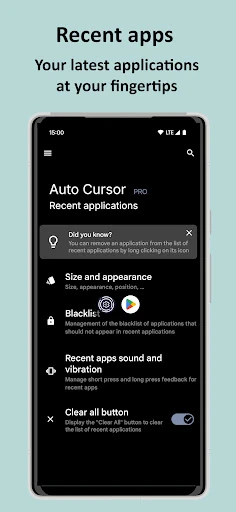
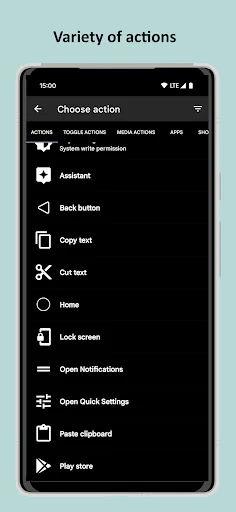
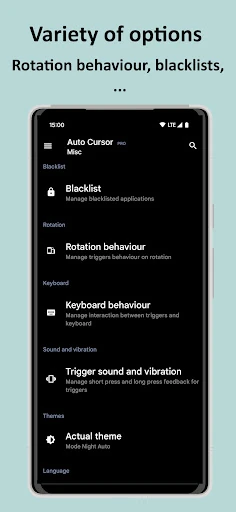
Click to download now, finish the installation quickly, and directly unlock the all-round experience
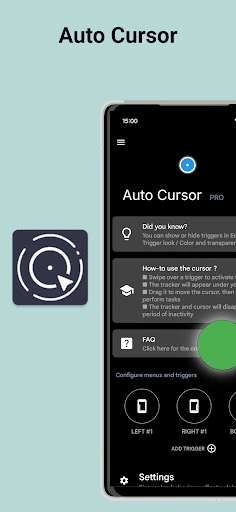
Auto Cursor helps you use large Android phones with one hand. It adds a movable on-screen pointer that you can call from the left, right, or bottom edge, then drag to controls that are difficult to reach with your thumb. It suits people with tall-screen phones, limited hand mobility, or anyone who wants fewer stretches across the display.
The app uses Android’s accessibility service to turn edge gestures into navigation controls. Different trigger areas can support separate short-tap and long-press actions. Depending on the setup, the pointer can also help with tasks such as opening notifications, controlling media, switching to split screen, and reducing reliance on physical buttons.
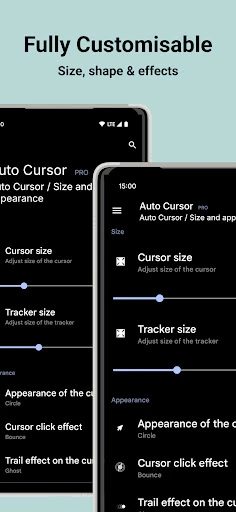
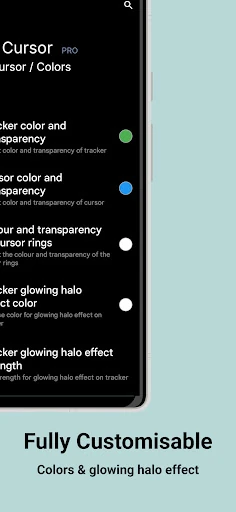
Auto Cursor lets you adjust the pointer’s size, colour, and visual effects. The main setup takes place through Android’s Accessibility settings, so it may require more permission work than a basic utility. The reference configuration has no internet permission, which keeps its operation focused on the device rather than online services.