Click to download now, finish the installation quickly, and directly unlock the all-round experience
Screenshots
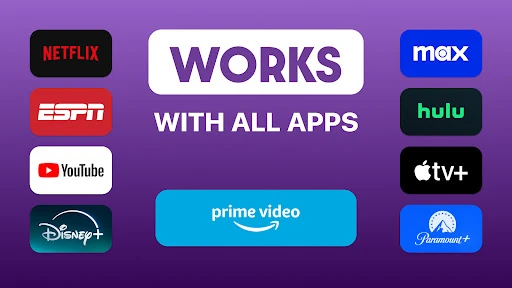
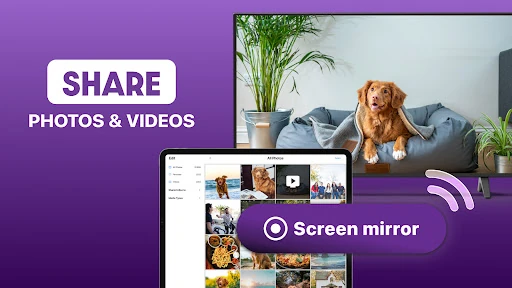
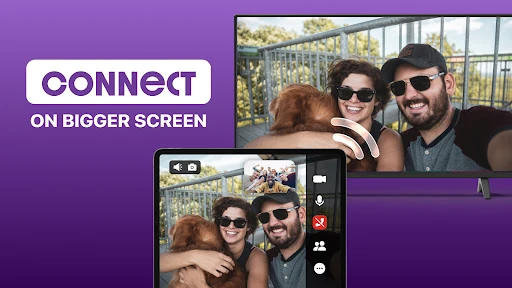
Click to download now, finish the installation quickly, and directly unlock the all-round experience
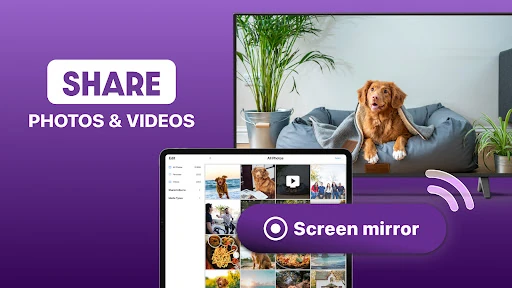
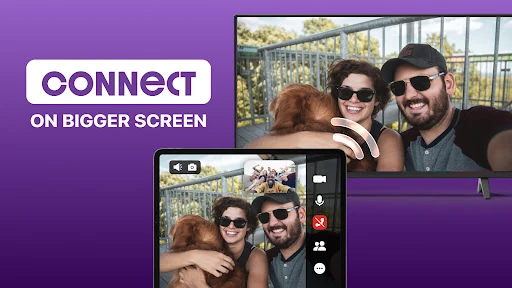
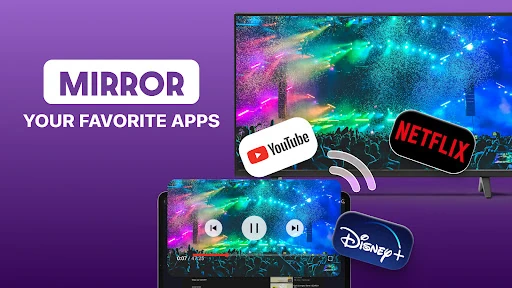
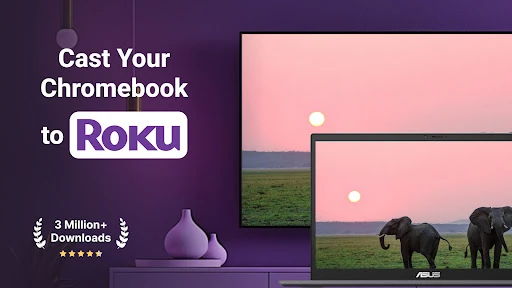
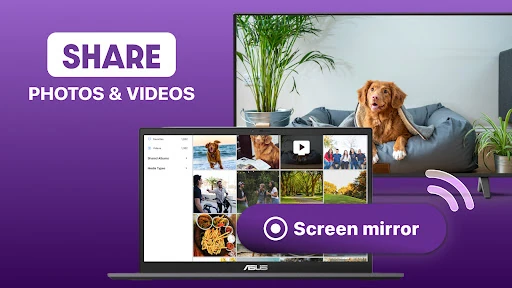
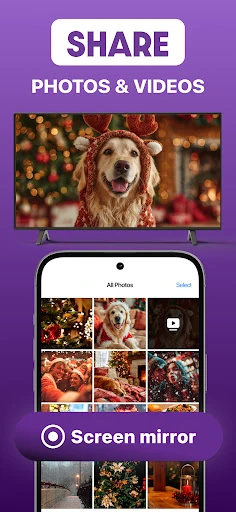
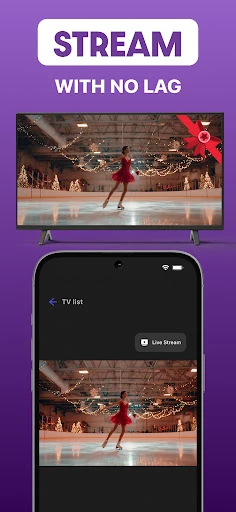
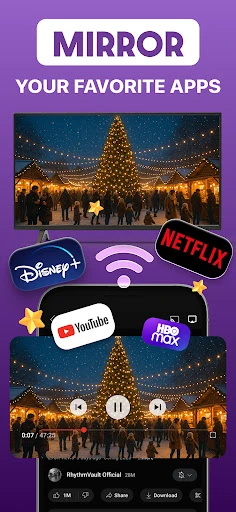
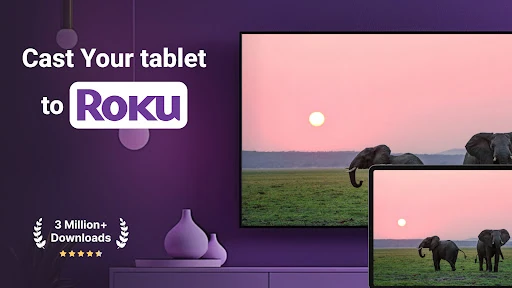
Roku Screen Mirror & Cast TV connects an Android phone to a Roku TV, Stick, Express, or Box. It is suited to anyone who wants to show a phone screen on a larger display, whether for presentations, app use, gaming, or sharing photos.
The phone and Roku device need to communicate over the same wireless network, and the Roku may require the relevant screen-mirroring setting to be enabled. Content protected by some streaming services may not mirror or cast because of provider restrictions. Results can also vary with network quality and the specific Roku hardware in use.
Listed in Productivity, the app is developed by AirBeamTV BV and uses package com.airbeamtv.roku. It has a 4.15 rating from 18,987 reviews and more than 500,000 installs. It is a practical fit for Roku owners who want phone-based screen sharing and casting in one utility.